That look.
Now in your chats.
One photo. Every bit of their personality.
Your cat or dog, in 12 realistic WhatsApp stickers.
3 free previews 12-sticker pack €3.99 One-time payment
Example sticker made from a real photo


A real source photo and 12 example cat stickers made from it.
Their personality. Your conversations.
Every mood.
A reply.
Same best friend. So much to say.
Use the arrows to change the conversation.
Example conversation in a WhatsApp-style view
Looks like someone has something to say.
Isn't your bowl already full?
SERIOUSLY?
How it works
Your pet in a photo.
And in every message.
Choose a pet. Scroll to follow their photo into the chat.
- Photo
- 3 previews
- 12 stickers
- Chat
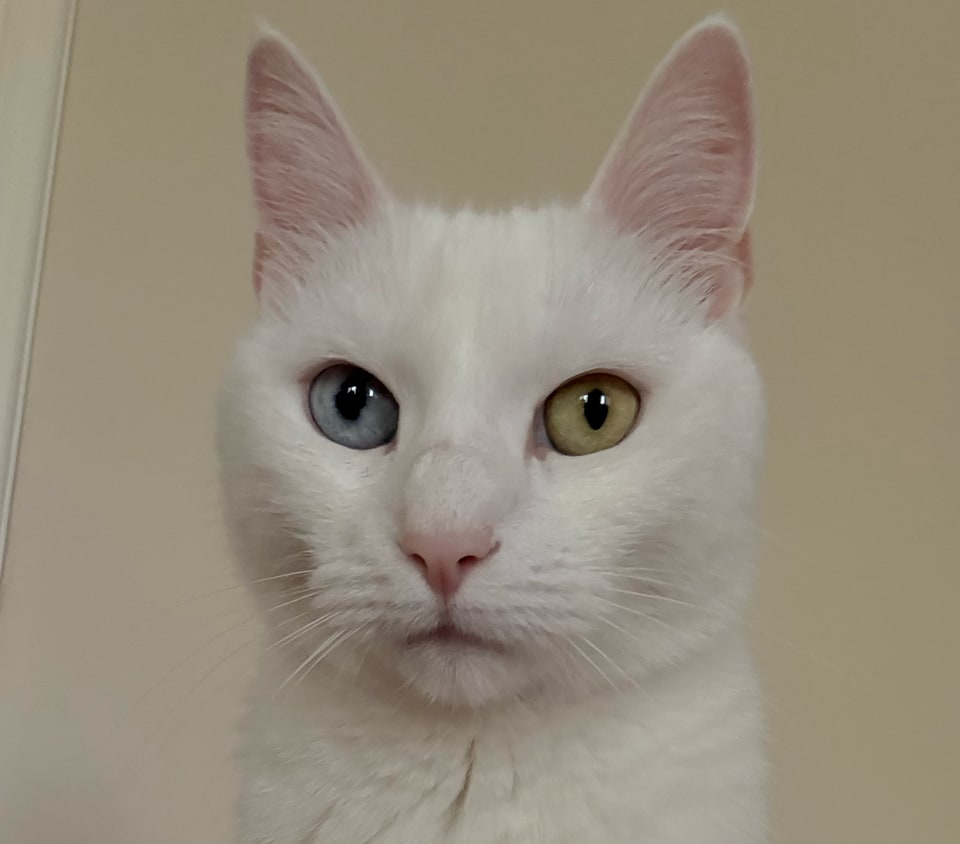
The source photo for the stickers.
Start with a photo.
Let us see their face and fur. We’ll take it from there.
this pet's results.
The source photo for the stickers.
See the first 3.
Free previews with watermarks. See the results before you decide.

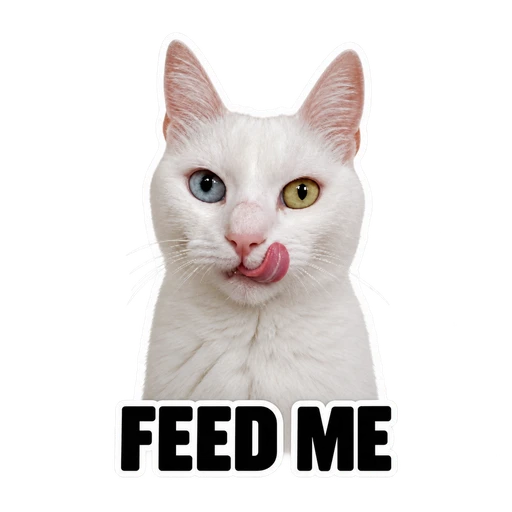
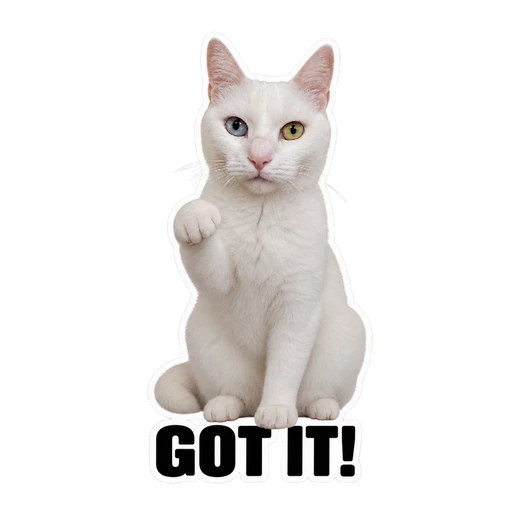
3 watermarked previews · Prepared examples
12 reactions, one pack.
The first 3 without watermarks, plus 9 new reactions created after payment.
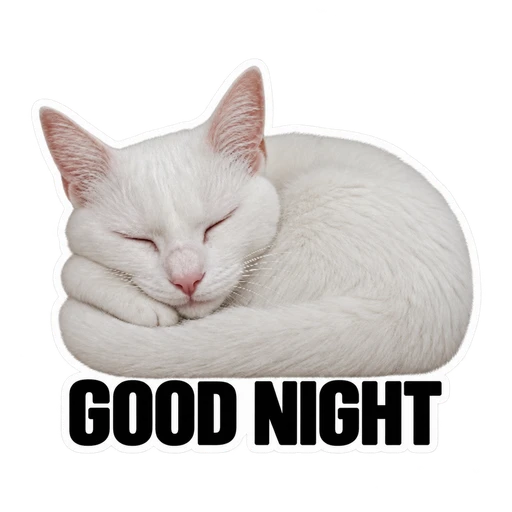
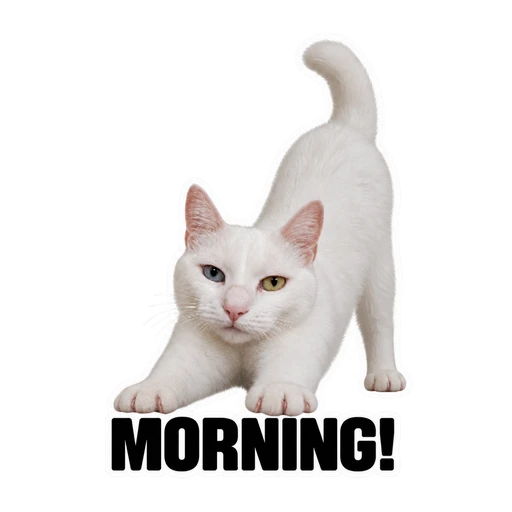
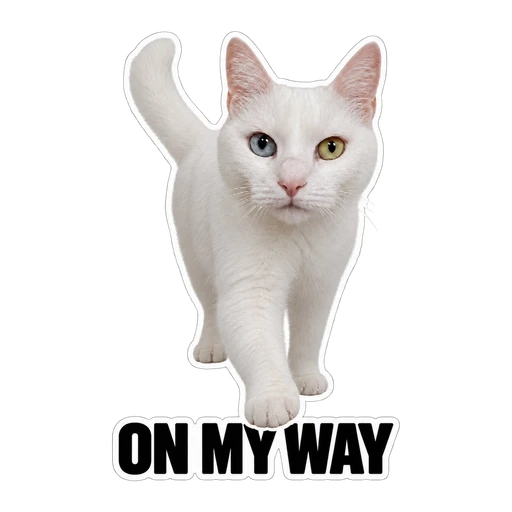
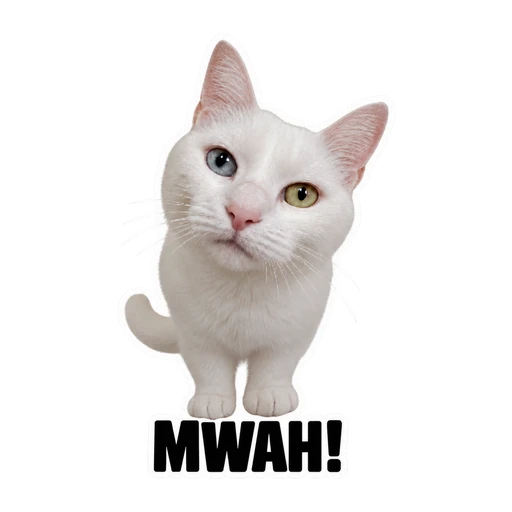
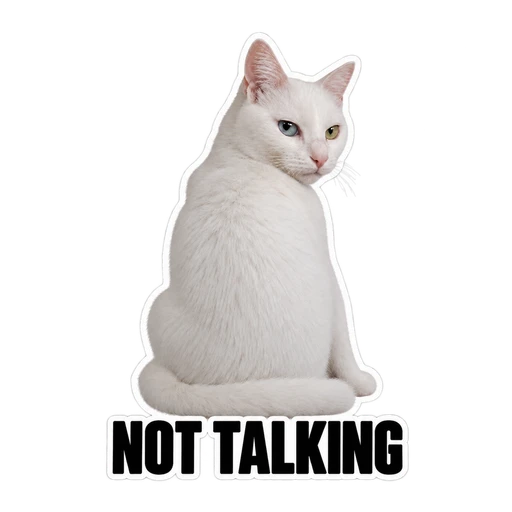
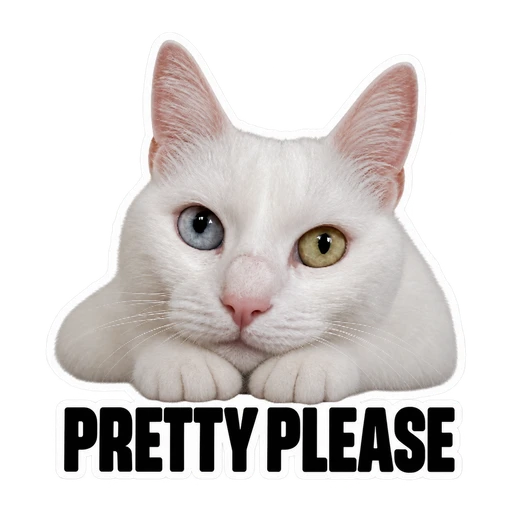
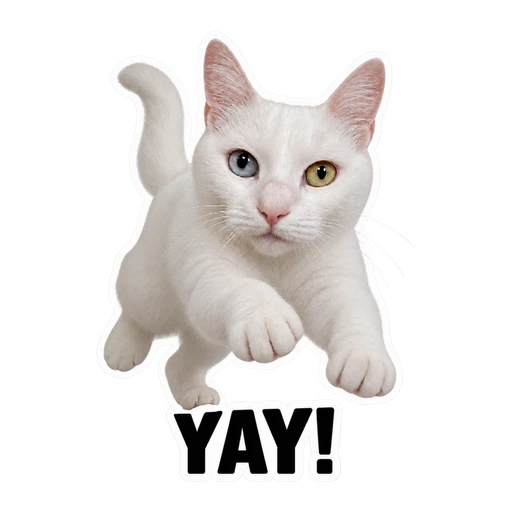
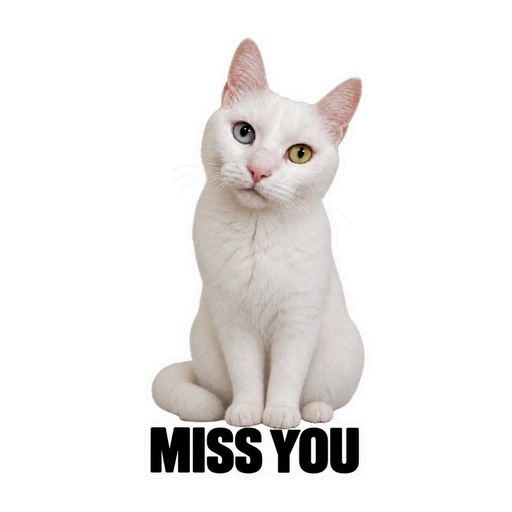
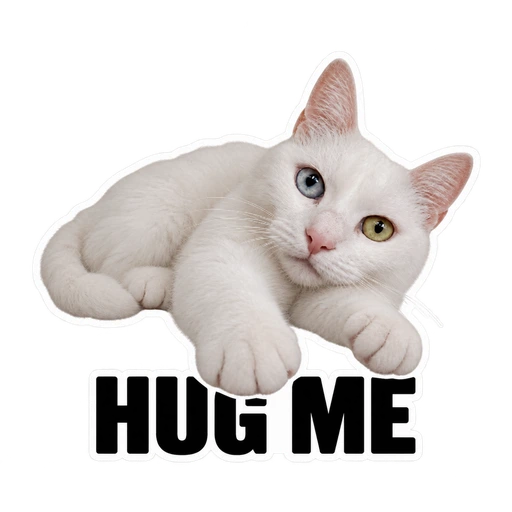
All 12 reactions · Prepared example pack
Now they’re in the chat.
Get your 12 stickers in WhatsApp. Save the ones you like to Favorites.
So glad you're here.
Example project
It starts with a photo.
No studio pose needed. Just show their face and fur.
Scroll to explore.
Prepared example packs and an illustrative conversation.
Your pet.
Your stickers.
One photo. 12 reactions to use on WhatsApp.


Full 12-sticker pack
€3.99
One payment No subscription
See your 3 free previews first.
Like them? Unlock the full pack.
Your first 3 without watermarks + 9 new reactions.
Delivered via WhatsApp; download the pack if you prefer.
3 free watermarked previews from one photo. No obligation to buy.
Once your full pack is ready, you have 3 corrections for stickers you want to change.
The face your chats
have been missing.
Start with a photo. See their first 3 expressions.
Example everyday pack 12 reactions


This cat is our prepared example. Your own results will appear here.
- Preview
- Full pack
- Receive
From your own photo
Your previews
0 stickers ready.
Get supportHow would you like your pack?
Receive on WhatsApp
Send the prepared message on WhatsApp. Your 12 stickers will arrive in the chat.
Optional. We use your number only for delivery; this does not give permission for marketing.
How is my number used?
When you send the prepared message, we receive your phone number through WhatsApp. StikPet’s operator, Ata Okyar Karayel, processes your number, stickers and delivery records to fulfil your request; data is shared with Meta/WhatsApp for delivery. This is optional; we do not access your contacts and this does not give marketing permission. You can download your pack without sharing your number. Retention periods and your rights: Privacy notice
Download it yourself
Download all 12 stickers without sharing your number. On iPhone, you’ll need Sticker Maker Studio to add them to WhatsApp.
The current iPhone version of Sticker Maker Studio requires iOS 16 or later. We have not yet verified importing the downloaded pack on Android; choose WhatsApp delivery instead.
You can download your pack here once it’s complete.
How do I add them to WhatsApp on iPhone?
Download packSave the file to your phone.
Open in StudioIn Files, press and hold the pack → Share → Sticker Maker Studio.
Add to WhatsAppIn Studio, tap “Add to WhatsApp”.
One expression not quite right?
Choose the sticker to improve. Keep the others as they are.
Swipe to browse the previews.
Reopen your watermarked previews from your saved pack.
12 stickers. One pack.
€3.99 One-time payment
Your first 3 without watermarks + 9 new reactions.
WhatsApp delivery, optional download and 3 edits once your pack is ready.
Sales and payments are not open yet. This only records your interest at this price.
3 free previews · One payment for the full pack
Complete your 12-sticker pack.
€3.99 One-time payment
Your first 3 without watermarks + 9 new reactions.
WhatsApp delivery, optional download and 3 edits once your pack is ready.
Total price; no extra StikPet fees. Creation starts after payment. Your 14-day withdrawal and rights for defective or missing delivery remain. Purchase and refund terms · Privacy notice
Generate the remaining 9 stickers?
Generation starts when you confirm. Your first 3 stickers are kept. No card details or payment required.
A successfully generated version uses 1 revision, even if you choose the original. Failed revisions do not reduce your allowance. Switching versions and downloading again are free.
- 1 Preview
- 2 Pack selection
- 3 Download
Meet their first three moods.
Choose a sticker to see it in a chat. These are prepared gray-and-white cat examples.
Previews have watermarks. Watermark-free files are included in the full pack.
The other 9 reactions in the pack
Generated after payment- GOOD NIGHT
- MORNING!
- ON MY WAY
- MWAH!
- NOT TALKING
- PRETTY PLEASE
- YAY!
- MISS YOU
- HUG ME
In a pack made from your photo, these 9 reactions are created after payment.
SERIOUSLY?
This prepared example shows how to add a downloaded pack.
One pack.
Every expression.
An example checkout. Explore how to download and add the prepared cat pack without entering card details.
This example uses the download method. On iPhone, you can add this prepared pack to WhatsApp with Sticker Maker Studio. See download instructions
Gray-and-white cat pack
12 realistic stickers · One-off purchase
- 3 previews without watermarks
- 9 reactions generated after payment
- Files with transparent backgrounds
- WhatsApp pack + ZIP of the images
- Download the same pack again
No payment is taken. This button shows existing example files; it does not make a purchase.
Example delivery · No payment made
Download the prepared example.
12 prepared stickers of a gray-and-white cat. This pack was not generated from your photo.
Download the example cat pack.
This prepared example lets you try the download method only. On iPhone, add the pack to WhatsApp with Sticker Maker Studio.
Download example WhatsApp pack Download example stickers · ZIP Steps for adding on iPhoneThese downloads contain the prepared cat example.
Delivery
Your stickers, delivered to WhatsApp.
When your pack is ready, tap Receive on WhatsApp. Send the pre-filled message that opens in WhatsApp.
Your 12 stickers arrive as individual messages. Tap the ones you want to use and choose Add to Favorites.
Prefer to download and add the pack?
On iPhone, this method uses Sticker Maker Studio. Its own terms and any fees apply separately.
The current iPhone version of Sticker Maker Studio requires iOS 16 or later. We have not yet verified importing the downloaded pack on Android; choose WhatsApp delivery instead.
- 1
Download the pack.
Download the WhatsApp pack. Open Files and find the .wastickers file.
- 2
Open in Sticker Maker Studio.
Download Sticker Maker Studio (Tamara Vardanyan). Press and hold the file, tap Share and choose this app.
- 3
Add to WhatsApp.
Complete the “Add to WhatsApp” step in the app. Open a chat and send your first sticker.
Share the .wastickers file without extracting it into a folder. ZIP contains individual images only; it cannot be imported into Studio as a pack.
A few more answers.
About your previews, pack and photo.
Can I generate from my own photo now?
When creation is available, choose your photo for 3 free previews. If you like them, buy the full pack. Once payment is confirmed, the remaining 9 stickers are created. Check progress using your order link, receive them on WhatsApp or download your pack.
What's free and what costs money?
Get 3 free watermarked previews from one photo. Starting generation uses your trial; continue your unfinished pack or reopen completed results. Deleting a pack does not grant another free trial. The full pack includes the first 3 without watermarks and 9 new reactions: 12 stickers in total. There is no obligation to buy after the free previews.
Which photo should I choose?
A normal phone photo showing one cat or dog's face and fur markings is enough. Use JPG, PNG, WebP or iPhone HEIC/HEIF, at least 256 × 256 pixels and up to 15 MB. HEIC photos are converted on your device before uploading.
Where does my photo go?
Choosing a photo does not upload it; it is first shown only on your device. Selecting “Create 3 previews” uploads it to the server and shares it with OpenAI to create the stickers. Return to your saved photo and results, or use “Delete photo and pack” to remove the server copy. Deleting it does not renew your trial.
Will it work on my phone?
Receiving stickers on WhatsApp requires an up-to-date WhatsApp app. WhatsApp requires Android 6 or iOS 15.1 at minimum; older versions are not supported. From November 30, 2026, iPhone will require iOS 15.5 or later. These are WhatsApp’s requirements; we have not tested StikPet on every device and version. WhatsApp’s current device support
Importing a download: the current iPhone version of Sticker Maker Studio requires iOS 16 or later. We have not yet verified importing the downloaded pack on Android. Studio’s current requirements
Open the site in up-to-date Safari or Chrome. If an in-app browser causes problems, open the link in Safari or Chrome. Try the free preview before buying; if you want to import a download, try the sample pack on your own phone first.
Compatibility information checked on October 14, 2026.
How do I use the stickers in WhatsApp?
When your pack is ready, tap “Receive on WhatsApp” and send the pre-filled message that opens in WhatsApp. Your 12 stickers arrive individually; they are not automatically added as a single pack. Tap the ones you want to use and choose “Add to Favorites”. You do not need another app for this method. If you prefer to download and add the pack yourself on iPhone, you can use Sticker Maker Studio.